
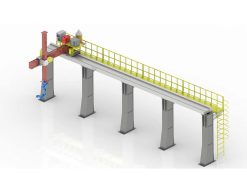
 Robot Linear track
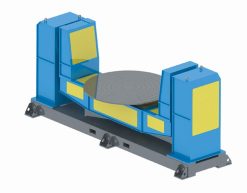 Robot welding Positioner
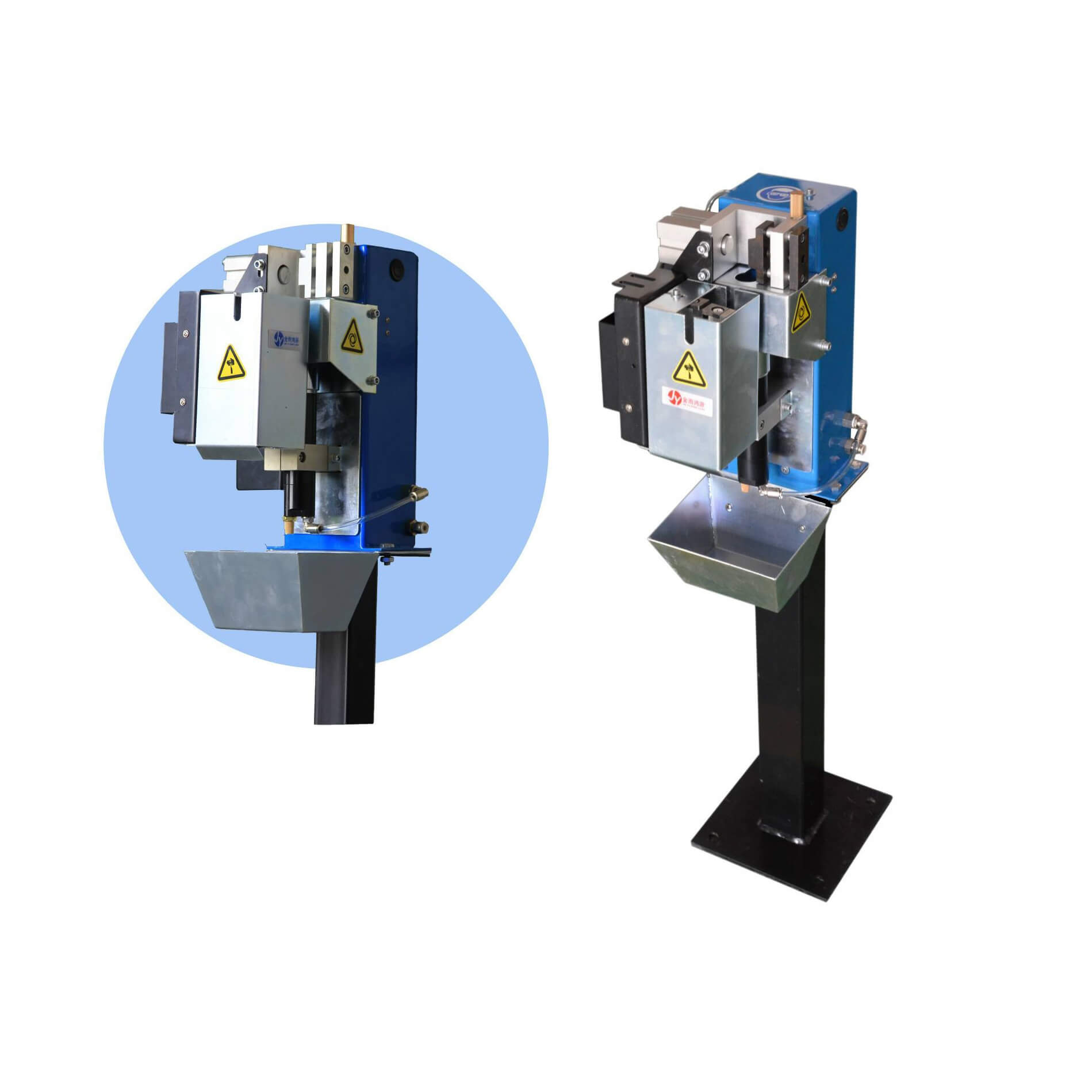 Robot Torch cleaning station
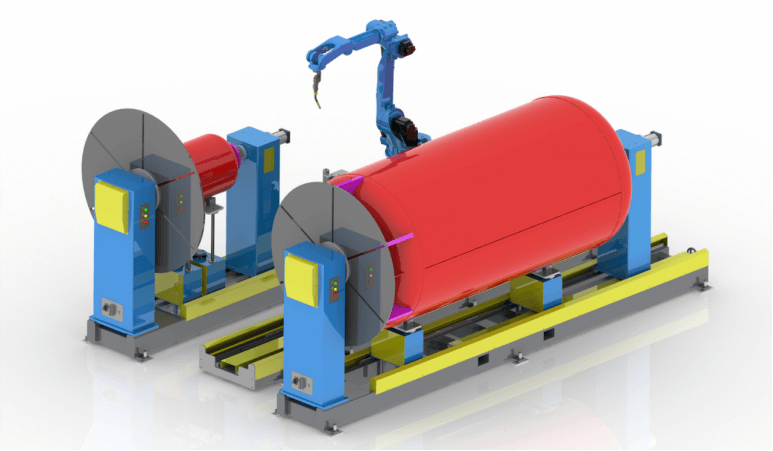 Welding Robot Workstations & Automation Solutions
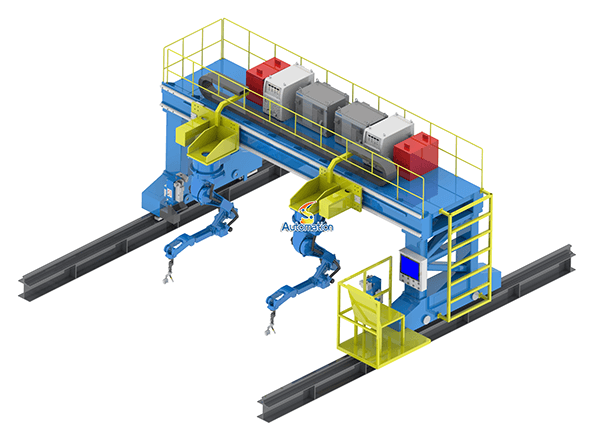 Robot Gantry System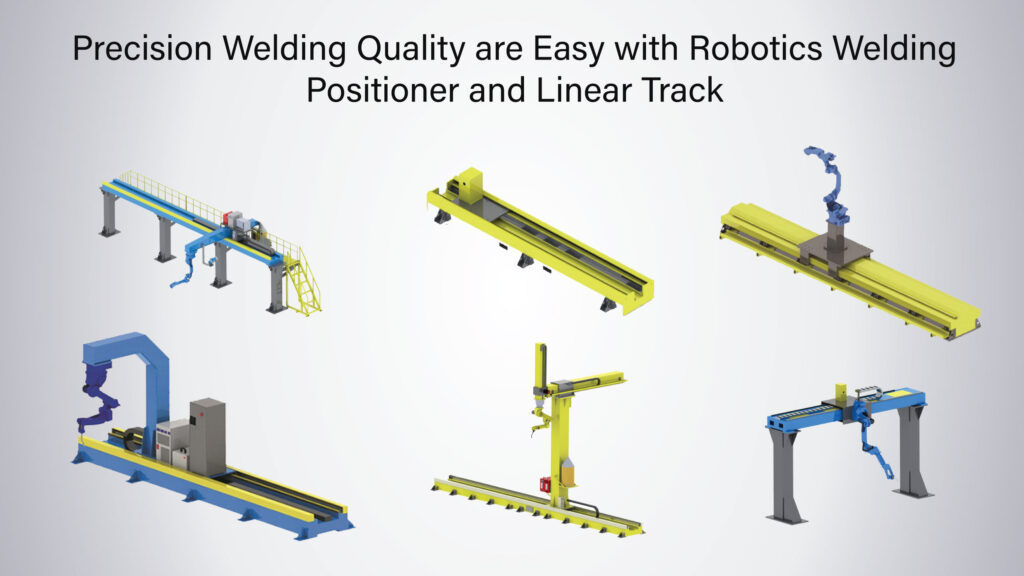
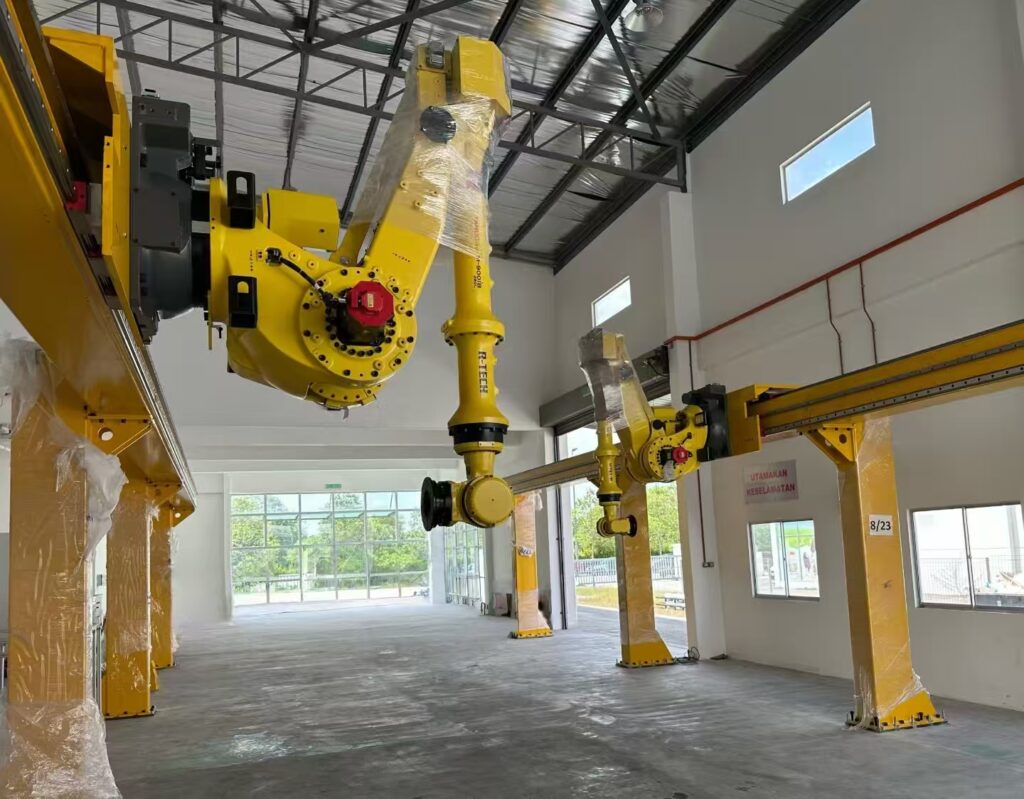
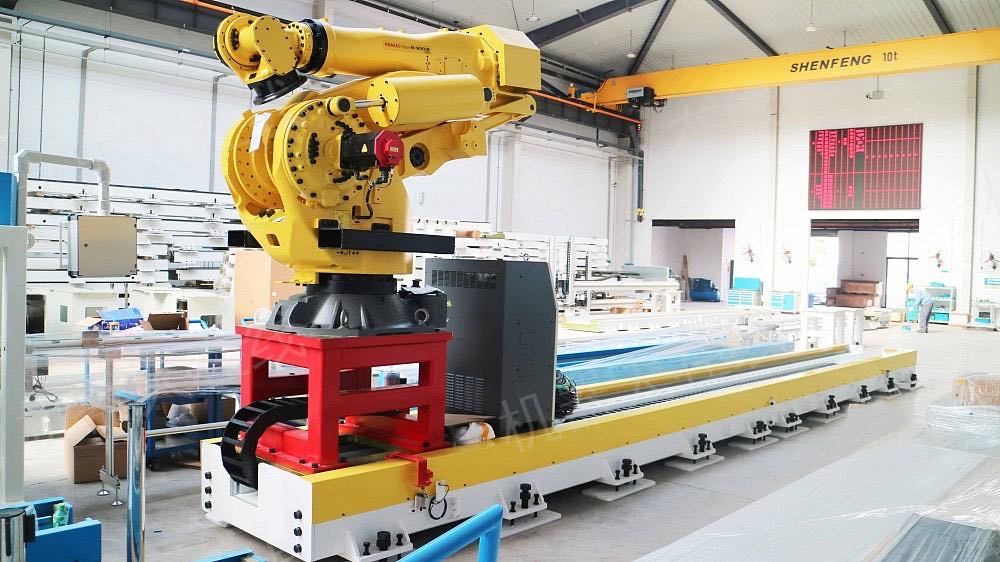
When you’re designing a high-output robotic cell, the reach of a standard 6-axis arm is often the first bottleneck you hit. Whether you are tending a long row of CNC machines or welding a 10-meter structural beam, a static robot just won’t cut it. That’s where a Linear Transfer Unit (LTU)—or what we simply call a “7th axis”—comes in.
We’ve recently been deploying WRS Robotics linear tracks across multiple production lines. I’d like to share some on – site notes regarding how to ensure these seventh – axis systems communicate effectively with the “Big Three” robot brands. If you’re aiming to expand your work area without purchasing an additional robotic arm, this information could save you a lot of trouble.
The Hardware Foundation
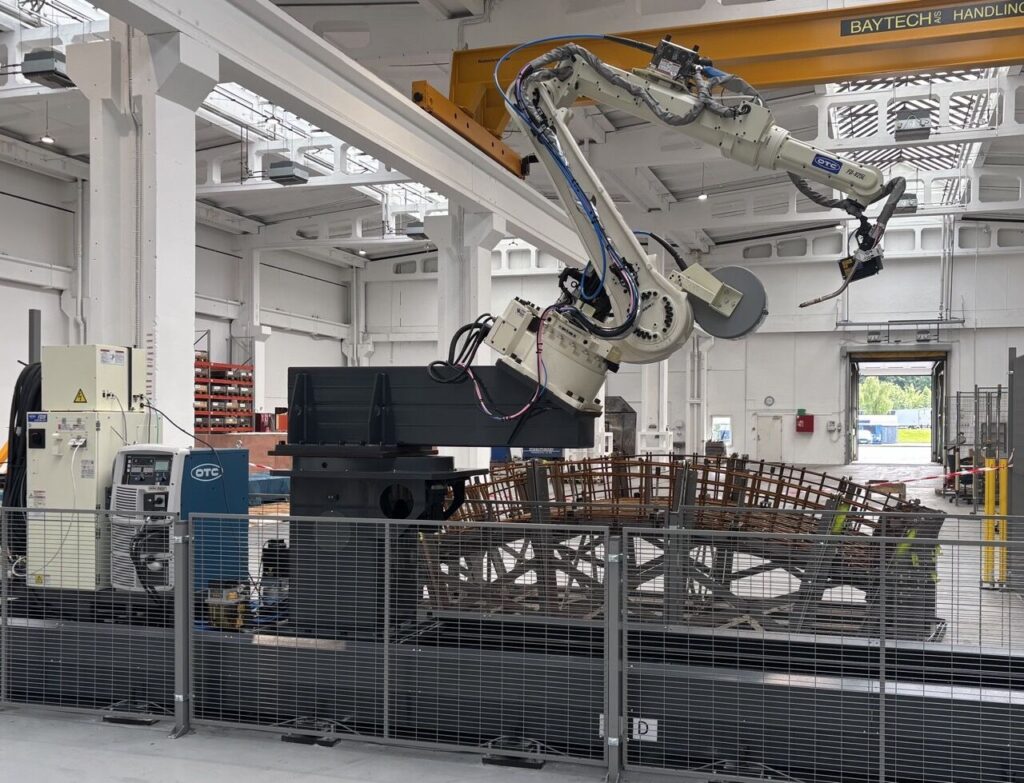
WRS constructs these motion tracks using Taiwan Hiwin linear guides and Nidec Shimpo planetary reducers. After witnessing their reliability in 24/7 welding environments, I’ve come to fully trust these components. The rack – and – pinion drive is equipped with precision helical gearing. This gearing not only operates more quietly than straight – cut racks but also better withstands cyclic loading, even when shuttling a 300kg payload back and forth throughout the day.
The track segments are bolted together via adjustable steel crosspieces. I learned a valuable lesson the hard way: never assume your floor is flat. When installing, make use of the adjustable feet and a precision level. A 0.5mm height difference over a 6 – meter span will lead to binding once the robot starts moving at 1m/s. WRS provides the anchor bolt templates, but you first need to map your concrete surface.
Fanuc Integration
If you’re running an R – 30iB Plus controller, integrating with Fanuc is quite straightforward. The linear track connects as an extended axis group. You’ll configure it in the Axis Setup menu, typically as Group 2, Axis 1. The crucial step is to accurately set the gear ratio and encoder counts.
For a standard WRS medium – payload track (their SW – X – Z – M series), it has a 20:1 reducer ratio paired with a Fanuc αiS servo. The calculation results in approximately 131,072 encoder counts per meter of travel. However, you should verify this based on your specific motor resolver resolution. I always jog the track a known distance, usually 500mm, and compare the commanded position with the actual position before considering the setup complete.
There’s one potential issue: Fanuc’s coordinated motion requires the track to be in the same motion group as the robot. When performing continuous – path welding where the robot tracks along a seam while the seventh axis moves, you need to enable “Track Motion” in your process options. Without it, the robot views the linear axis as a simple positioner and won’t correctly interpolate the TCP path.
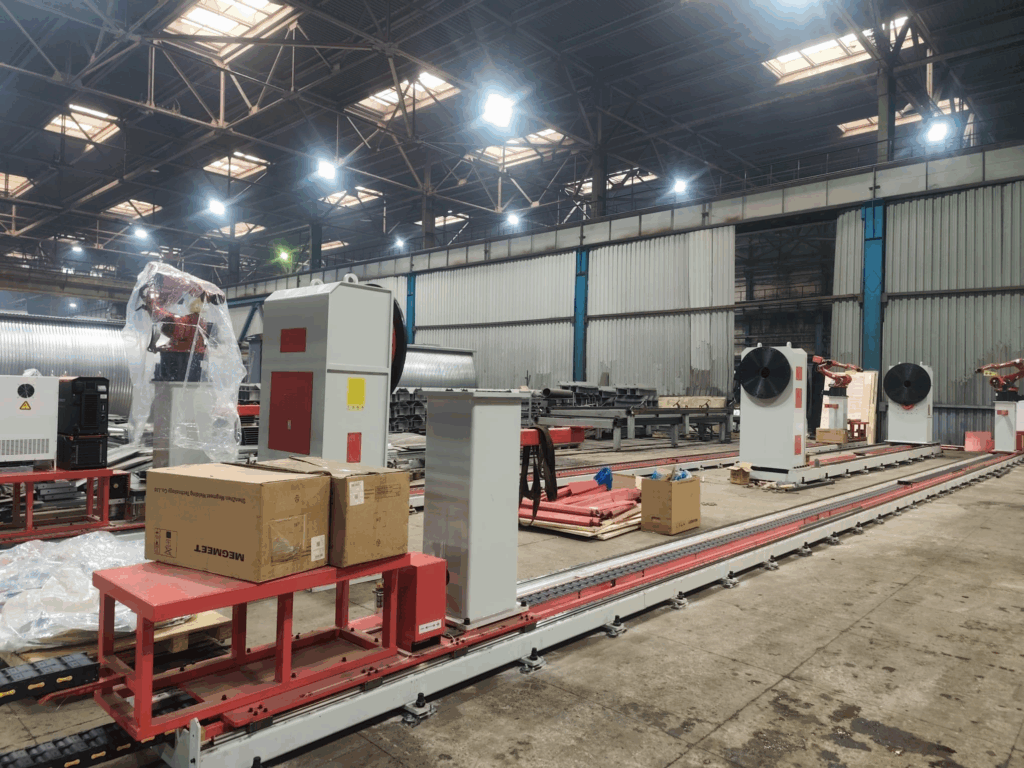
ABB Integration
ABB’s IRC5 controller manages external axes through the Motion Settings configuration. You’ll add the track as a mechanical unit of type “Track” and define it as either coordinated or independent. For most material handling applications, I set it as coordinated (COORD) so that the robot’s base frame moves along with the track position.
The WRS robot tracks are compatible with standard ABB servo motors, but pay close attention to cable routing. ABB’s resolver cables are more susceptible to interference compared to Fanuc’s serial encoders. In one installation, the track would intermittently fault out during high – speed moves. It turned out that the power cable for the track motor was running parallel to the resolver cable in the cable chain. After separating them by 100mm, the faults disappeared.
In MultiMove systems where two robots share a track, ABB’s coordination becomes more complex. You can either slave both robots to the same mechanical unit or use separate tracks with synchronized motion. WRS builds these tracks with shared or independent carriages according to your station spacing requirements.
Kuka Integration
Kuka offers the most flexibility, but also the most room for error. The KR C4 (and the newer KR C5) controllers support both synchronous and asynchronous external axis operation.
For most applications, synchronous mode is the preferred choice. The track becomes E1 in your E6POS declarations, and all seven axes move in unison to reach the target. Kuka differentiates between “mathematically coupled” and “mathematically uncoupled” external axes. For a linear track, it’s generally advisable to have it mathematically coupled so that the controller accounts for the base frame displacement in its kinematic calculations. This is crucial when performing LIN or CIRC moves, as the robot compensates for the track motion to maintain a straight TCP path.
The mastering procedure is of utmost importance here. Kuka tracks use electronic mastering with reference switches. You’ll need to set $REF_CAL and verify the axis position against physical markers. I’ve seen integrators skip the fine – calibration step and then wonder why their TCP drifts 2mm over a 4 – meter track length.
For heavy – duty applications, such as WRS’s SW – X – Z – CZ series rated for a total load of 10,000kg, pay close attention to servo sizing. Kuka’s KPP 600 – 20 power modules can handle the current draw, but you’ll need the appropriate cable gauge between the controller and the track motor. Voltage drop over long cable runs can cause torque ripple at low speeds.
Common Integration Challenges
- Cable management causes more track installation failures than mechanical issues. The WRS tracks come with integrated cable chains, but you need to plan for the cables’ flex life. If your robot is performing 200 cycles per hour with 3 – meter track strokes, that’s 480,000 flex cycles per year. Use high – flex rated cables and leave some service loop in the chain; never run them taut.
- Safety integration varies by brand but follows similar principles. You need to configure external axis limits in the safety controller, not just rely on software limits. WRS provides mechanical end stops as a backup, but your safety – rated monitored stops should trigger before the robot hits them. For Fanuc, this means DCS zone monitoring; for ABB, it’s SafeMove; for Kuka, it’s KUKA.SafeOperation.
- Synchronization timing is crucial in multi – robot cells. If Robot A is welding while Robot B moves into position on the same track, you need handshake logic to prevent collisions. I usually use a combination of pre – zone detection and interlock bits. The WRS tracks have built – in proximity switches for this purpose, but make sure they’re positioned far enough upstream to allow for braking distance at maximum speed.
Real – World Performance
In our automotive stamping line, we have three WRS tracks in operation: two are paired with Fanuc M – 20iD/25 robots for press tending, and one is used with a Kuka KR 210 for large panel handling. After six months of operation, the light – duty tracks have a repeatability of ±0.08mm, and the heavy – duty unit has a repeatability of ±0.15mm. This is well within the specifications required for our welding and handling applications.
These tracks have withstood coolant mist, welding spatter, and the occasional collision (always set your collision detection sensitivity, everyone). The automatic lubrication system for the rack – and – pinion is a worthwhile upgrade. Manual greasing is often forgotten during peak production periods, and dry gears wear out quickly.
Adding a seventh axis isn’t just about extending the robot’s reach; it’s about rethinking your cell layout. One robot with a 6 – meter linear track can often replace two fixed – base robots, provided your cycle time allows for the transit moves. The WRS systems integrate smoothly with Fanuc, ABB, and Kuka controllers because they adhere to standard servo interfaces and avoid using complex proprietary protocols.
The integration work mainly involves straightforward mechanical and electrical tasks, but the rewards are significant: smaller robot footprints, reduced capital expenditure, and the flexibility to reconfigure your production line as per changing needs. Just be careful with cable routing, verify your mastering, and don’t skip the floor flatness check during installation.
Are you planning a multi- robot station layout? Reach out to our technical team, and we can provide the CAD files and motor specs for your specific robot model.